How To Compare Phone Number Search Tools And Know Which Results To Trust
Phone lookup tools can be very helpful, but using more than one can leave you staring at different names, cities, or carriers for the same number. That gets confusing fast, especially if you are just trying to figure out if it is safe to answer, meet someone, or send money. In this guide, you will learn how to compare results from more than one phone number search tool, what confidence signals to watch for, and how to know when it is okay to stop searching and make a decision.
We will start with simple free checks, move to how to read paid lookup results, then talk about cross‑checking across tools. We will also cover when a more in‑depth service like ReverseThatLookup fits in, how to stay within privacy and legal limits, and how to keep yourself safe without spending hours stuck in research.
This article is for informational purposes only and is based on commonly accepted online safety practices and public-record search methods. It is not legal, financial, or professional advice.
1. Getting Reliable Results From Any Phone Lookup Search
A phone number search tool takes a number and tries to match it to public and permitted data sources. It might show a possible owner name, general location, and any connected online profiles. People often run the same number through several tools because each one has different data and may show different pieces of the puzzle.
The core problem is that no database is complete. One tool may show a name and city, another only a carrier, and a third may say it has no record at all. That does not always mean any of them are wrong; it usually means they each see a different slice of the number's history.
So the goal is not perfection. The goal is enough confidence to make a safe choice. Some numbers are too new, too private, or too disposable to give you a full picture, and that is okay as long as you know how to read the signs and respect privacy limits.
2. Start with Simple Free Checks Before Any Tool
Before jumping into any phone number search tool, it helps to gather a bit of context.
First, write down
- The full number exactly as you got it, including country and area code
- How it reached you (call, text, messaging app, marketplace, social platform)
- What the person or company claimed or asked for
Next, try a few free steps
- Type the number into a search engine in different formats, like (555) 123‑4567, 555‑123‑4567, and +1 555‑123‑4567.
- See if the number shows up in common messaging apps with a name or profile photo.
- Look for scam or spam reports on community complaint sites (for example, consumer complaint boards or carrier spam report pages).
- Pay attention to any spam warning labels your phone carrier shows on incoming calls or texts.
These free checks can reveal patterns, like many people complaining about the same "prize" text or fake delivery notice. They can also surface business listings or old posts that mention the number.
What they cannot usually give you is a full identity, current address, or full background. For that, you move on to a dedicated lookup tool and treat the free checks as supporting clues, not stand‑alone proof.
3. How to Read and Compare Phone Number Search Tool Results
When you run a number through a reputable phone lookup tool, you might see
- A possible person or business name
- General location, such as city or region
- Carrier type, like mobile, VoIP, or landline, and maybe line status
- Connected emails, usernames, or public social profiles, if found in public records or allowed sources
To judge how much to trust what you see, look for confidence signals
- Recency: Does the report show "last seen," "last updated," or recent activity dates, or does it look very old?
- Consistency: Do the same name and city show up again and again across different parts of the report?
- Transparency: Does the tool explain what kinds of data it uses and what it cannot show?
There are also clear limits. Some numbers will not tie back to a clear owner at all, such as
- Newly issued numbers
- Burner or prepaid phones
- VoIP lines used only online
- Numbers protected by privacy services
Any tool that claims to show private passwords, full message history, or hidden government records is not being honest. Phone lookup relies on public and permitted data, not spying or hacking.
4. Cross‑Checking Across Tools and Knowing When to Stop
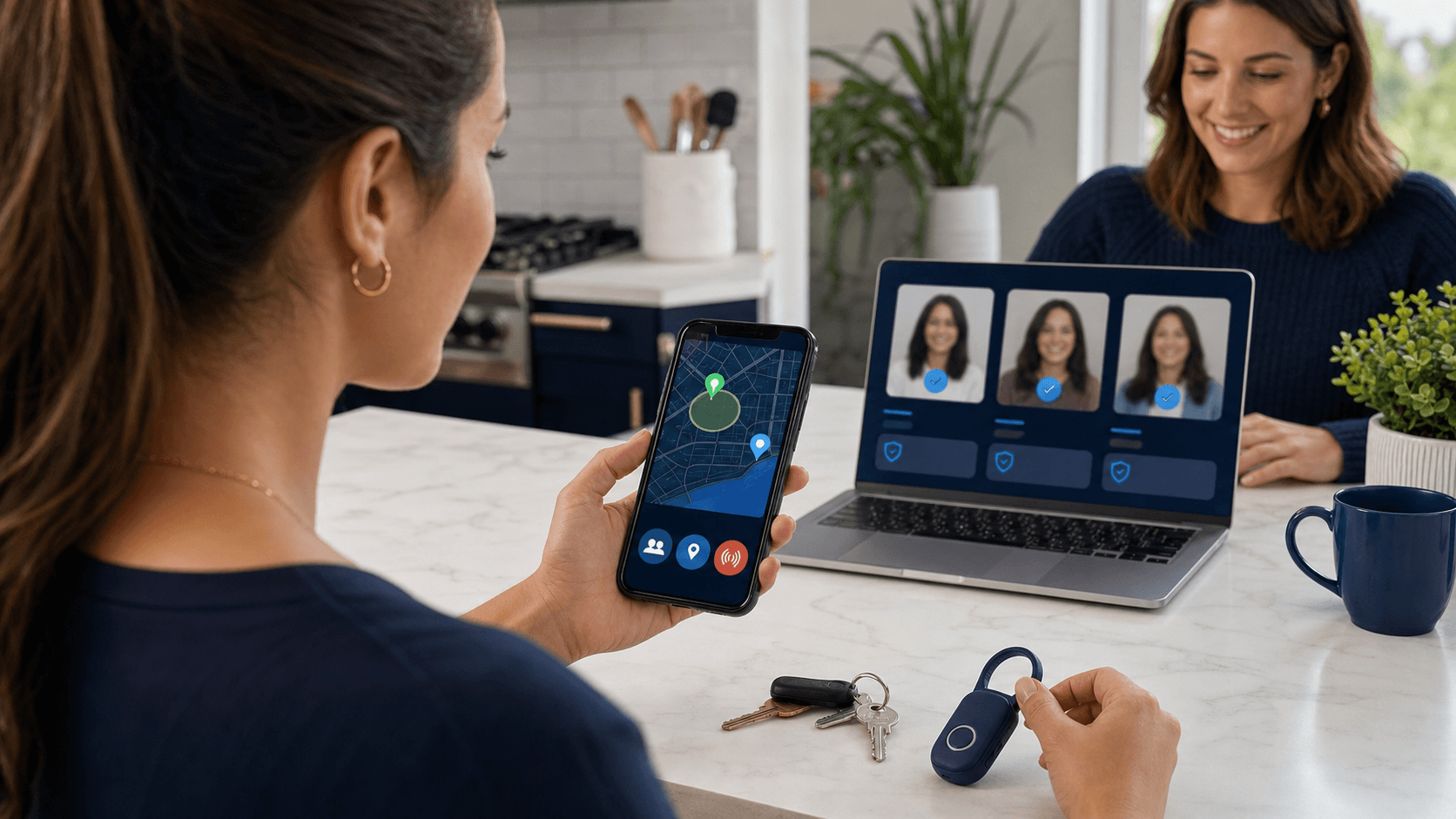
Comparing more than one phone number search tool can raise your confidence if you do it in a simple, structured way.
Try this process:
- Run the number in one trusted lookup tool and write down the key data points: name, city or region, carrier type, and any linked emails or usernames.
- Use at least one more reputable phone lookup site and repeat the same notes.
- Do another quick general web search and, where appropriate, a social search to see if anything lines up with those names or locations.
- Compare your notes and see which details repeat across tools.
Pay close attention to mismatches and gaps:
- If tools show different names but the same city and carrier, your confidence should stay low. Avoid high‑risk steps like sending money or documents.
- If one report is rich with matching data and another has almost nothing, remember each tool has different coverage. More data is not always "truer," but repeating patterns matter.
As a simple example, a mobile number that has years of local listings, similar owner names, and no scam reports feels very different from a VoIP number with no history and many complaints about fake rental ads. During busy travel and moving seasons, short‑term rentals and quick job offers can be more common, which makes careful cross‑checking even more important.
At some point, you need to decide that you have "enough" information for the choice in front of you. Endless searching usually just adds stress and does not guarantee a correct answer.
5. When to Use ReverseThatLookup and How to Stay Safe
After you have done your free checks and maybe tried another phone number search tool, there are times when you still need a clearer picture. That is where a more detailed search with ReverseThatLookup can help as one of your options.
When available, ReverseThatLookup reports can include
- Links between a phone number and emails, usernames, or addresses from public records and other allowed data sources
- Connected profiles that may show whether a number looks long‑term or more like a throwaway line
- Patterns that help you sense if this person seems consistent across platforms
ReverseThatLookup is intended for personal safety, identity verification, fraud awareness, and general informational purposes only. It must not be used for stalking, harassment, or any purpose regulated by the Fair Credit Reporting Act (FCRA), such as employment screening, tenant screening, or credit or insurance eligibility decisions.
As you research, keep privacy, consent, and ethics in mind:
- Public records do not give you permission to threaten, shame, or expose someone online.
- Avoid posting screenshots of reports on social media or sharing them widely.
- Use a secure device and network when you look at sensitive information.
- If you spot clear signs of fraud, keep simple notes. You may need them if you talk to your bank or law enforcement later.
If, after a few tools and checks, your results still feel unclear, lean toward caution. You might
- Skip sending money or ID documents.
- Use escrow or trusted platform payment tools.
- Keep talking through in‑app messaging instead of sharing your main number.
- Meet only in public places if you decide to meet at all.
Set a limit for yourself, such as, "I will try two or three tools and a web search. If I still do not feel comfortable, I will walk away." That keeps you from getting lost in endless research and helps you stick to a simple, safety‑first plan.
6. Methodology, Sources, and Limitations
The guidance in this article is based on
- Common patterns seen in public‑record and open‑source phone number searches.
- Publicly available information about how caller ID, carrier labeling, and spam reporting systems work, as described by major carriers and consumer‑protection agencies (for example, resources from the U.S. Federal Trade Commission and similar national authorities).
- General online safety best practices promoted by consumer‑protection organizations.
Because data sources and phone technologies change over time, no single method or tool can guarantee complete, current, or correct information about any phone number.
_Last reviewed and updated for general accuracy and safety guidance in 2026._
7. Quick Answers to Common Phone Lookup Questions
Can a Phone Number Search Tool Always Identify the Owner?
No. Unlisted numbers, burners, VoIP lines, and privacy protections can block a clear match. Many times you will only see partial clues.
How Many Tools Should You Use for One Number?
In most cases, two or three reputable tools plus a general search are enough. After that, you usually see the same patterns repeat, and more hunting does not add much.
Is It Safe to Call or Text Back After a Lookup?
If you still feel unsure, avoid direct contact. For businesses, use official numbers from their own published sources instead of unknown numbers that reached out to you first.
What If You Think You Have Found a Scammer?
Trust your instinct. Block the number, report it to your carrier or the app where it contacted you, and use official consumer‑protection channels if money or personal data is involved.
Is ReverseThatLookup a Credit Reporting Agency?
No. ReverseThatLookup is not a consumer reporting agency and its tools cannot be used for employment, tenant, credit, insurance, or other FCRA‑regulated decisions. Use it only for personal safety, identity verification, and informational purposes.
8. Safest Next Step
If you are unsure about a phone number, start with the free checks in this guide, then consider one or two reputable lookup tools, including ReverseThatLookup, to look for consistent patterns. If you still do not feel confident after comparing results and keeping privacy and ethics in mind, the safest next step is to walk away from the interaction, avoid sending money or sensitive data, and, if needed, contact your bank or a relevant consumer‑protection agency.
Take Control Of Unknown Calls In Minutes
Use our phone number search tool to quickly uncover who is behind mystery calls and texts. At ReverseThatLookup, we give you the information you need to decide whether to answer, block, or report a number with confidence. Start your first search in seconds and see how simple it is to protect your time and privacy. If you have questions or need help getting started, just contact us.