Are Email Lookup Sites Safe? How to Check an Email Address Without Putting Yourself at Risk
Email lookup can be a smart safety move. You might use it to see who is behind a strange address, to check an online seller, or to make sure a job offer is real. But the way you look up those emails can either protect you or quietly put you in danger.
In this guide, you'll learn how unsafe email lookup habits put you at risk, how to spot risky tools, step-by-step safer checks you can try for free first, when it makes sense to use a trusted service like ReverseThatLookup, and how to keep your inbox and identity safer over time.
1. Understand How Unsafe Email Lookup Habits Put You at Risk
An email lookup is when you type an email address into a tool to see what public information is linked to it. People often do this to feel safer when:
- Buying or selling items with strangers
- Renting a place for trips or short stays
- Responding to job offers, side gigs, or college emails
- Checking if a strange email could be a scam
The risk is that not every email lookup site is safe. Some:
- Collect your own email, IP address, and device info, then share or sell it
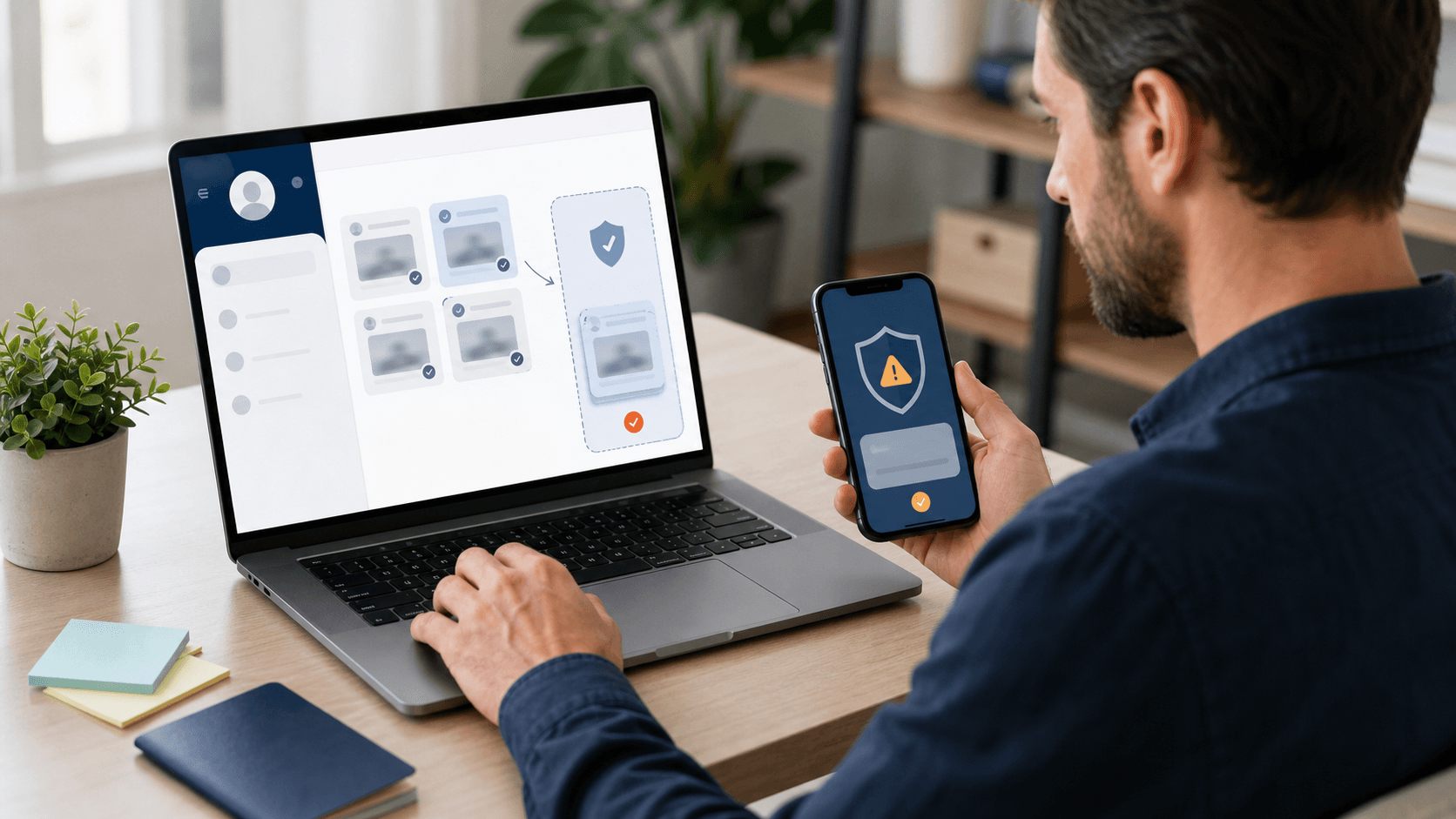
- Push fake alerts or misleading security warnings
- Slip adware or other unwanted software into your browser
- Trick you into handing over passwords or payment details
Whenever online activity increases, such as during heavy travel seasons, major event ticket sales, or active job-hunting periods, people are more likely to paste an email address into the first lookup page they see. If that tool is shady, you are not only checking someone else; you are also exposing yourself.
Key takeaway: treat email lookup tools as potential data collectors. Before you use one, you should know how to spot warning signs.
2. Spot Red Flags That an Email Lookup Tool Is Not Safe
Before you enter any email address into a site, walk through these checks.
Step 1: Check the Company Identity
Red flags include:
- No clear company name, physical address, or About page
- Vague references to "our team" with no real ownership details
- Domain registration fully hidden and no sign of the business on professional or business directories
If a site promises things like "see everything about anyone instantly, 100 percent guaranteed," that's unrealistic and should make you pause.
Step 2: Watch for Pressure Tactics and Dark Patterns
Risky tools often flood you with:
- Pop-ups claiming "urgent threats" or "your device is infected"
- Fake countdowns, such as "only 1 report left" or "time is running out"
- Banners warning "someone is searching YOU right now"
They may also use dark patterns like confusing close buttons, pre-checked boxes that sign you up for things, or unclear pricing before you see any results.
Step 3: Be Cautious If a Site Asks for Too Much, Too Early
Treat it as high risk if a lookup tool demands:
- Your full name, home address, or date of birth before showing if they even have basic results
- Credit card details "just to confirm your identity" before any clear value
- Access to your email account, contacts, or social logins
If there is no clear privacy policy and no simple explanation of what they collect, how they use it, or how you can delete it, that is a serious warning sign.
3. Understand How Shady Email Lookup Sites Misuse Your Data
Less reputable tools rarely explain what happens behind the scenes. Many quietly collect:
- Your IP address and device details
- Every email address you search
- Any personal information you type, even if you never pay
That information can be combined with other public records, then resold or shared with data brokers. When a service claims to be "free," it often means you are paying with your data instead of money.
There are other risks:
- Malware and Adware: Some sites push "security scanners" or browser extensions that can install unwanted software.
- Phishing: Others show a fake result page and ask you to "confirm your email" or "log in to see full details." If you type your password, it can be stolen and used to break into your accounts.
Example use case (without personal data):
Someone wants to check if a supposed rental agent is real. They click an ad for an "instant email checker," enter the email they received plus their own name and email, then accept a suggested "security add-on." Days later, they notice strange login alerts and unwanted browser changes. The problem began with the lookup tool, not just the original rental email.
There are legal and ethical limits as well. Trying to dig up private or financial data on someone, or using lookups for stalking, harassment, or discrimination, can break laws or platform rules. Services like ReverseThatLookup are not consumer reporting agencies and cannot be used to make decisions about employment, housing, credit, insurance, or other purposes covered by the Fair Credit Reporting Act (FCRA) and similar regulations.
4. Use Free, Safer Ways to Check an Email First
Before you turn to any paid email lookup, use these practical free methods.
Method 1: Run Basic Open-Web Searches
- Paste the email into a trusted search engine.
- Check if it appears on public social profiles, professional networking sites, or business pages.
- Look for scam complaints connected to that exact address on consumer forums or official scam alert pages.
Red flags include:
- Mismatched names between the email and any associated profiles
- Strange or disposable domains (for example, random strings of characters or newly registered domains)
- A "business" email with no trace of the business online
For messages claiming to be from banks, shipping companies, or government offices, do not click links in the email. Instead, go directly to the official website or use verified contact information to confirm.
Method 2: Inspect the Technical Details of the Email
- Check the full sender address, not just the display name.
- Compare the "reply-to" address with the sender; scammers often change this.
- Look for subtle changes like letters swapped (e.g., "o" vs. "0"), added words, or unusual subdomains.
You can also use reputable free tools that show whether a domain has basic security records (SPF, DKIM, DMARC) or has been reported for abuse. These checks do not prove an email is safe, but they can help you spot higher-risk senders.
Method 3: Apply Strong Personal Safety Rules in Every Interaction
- Share as little as possible in replies to unexpected or unverified emails.
- Never send ID photos, banking info, passwords, or tax documents over email unless you initiated the request with a verified organization.
- Be extra careful during common scam seasons, such as heavy rental hunting, major festival or concert months, and active job search periods.
Also, protect your main accounts with:
- Strong, unique passwords or passphrases
- A reputable password manager
- Multi-factor authentication (MFA) where available
These steps make it harder for someone to use stolen data from a bad lookup to take over your accounts.
5. When to Use a Trusted Email Lookup Tool Like ReverseThatLookup
Email lookup tools do have valid safety uses when used carefully and ethically. They can provide helpful context when you are:
- Vetting an online buyer or seller before shipping valuable items
- Checking whether a new contact, such as a tutor, contractor, or roommate, has a consistent public trail
- Reviewing recurring suspicious emails to see if they match known patterns linked to scams or risky activity
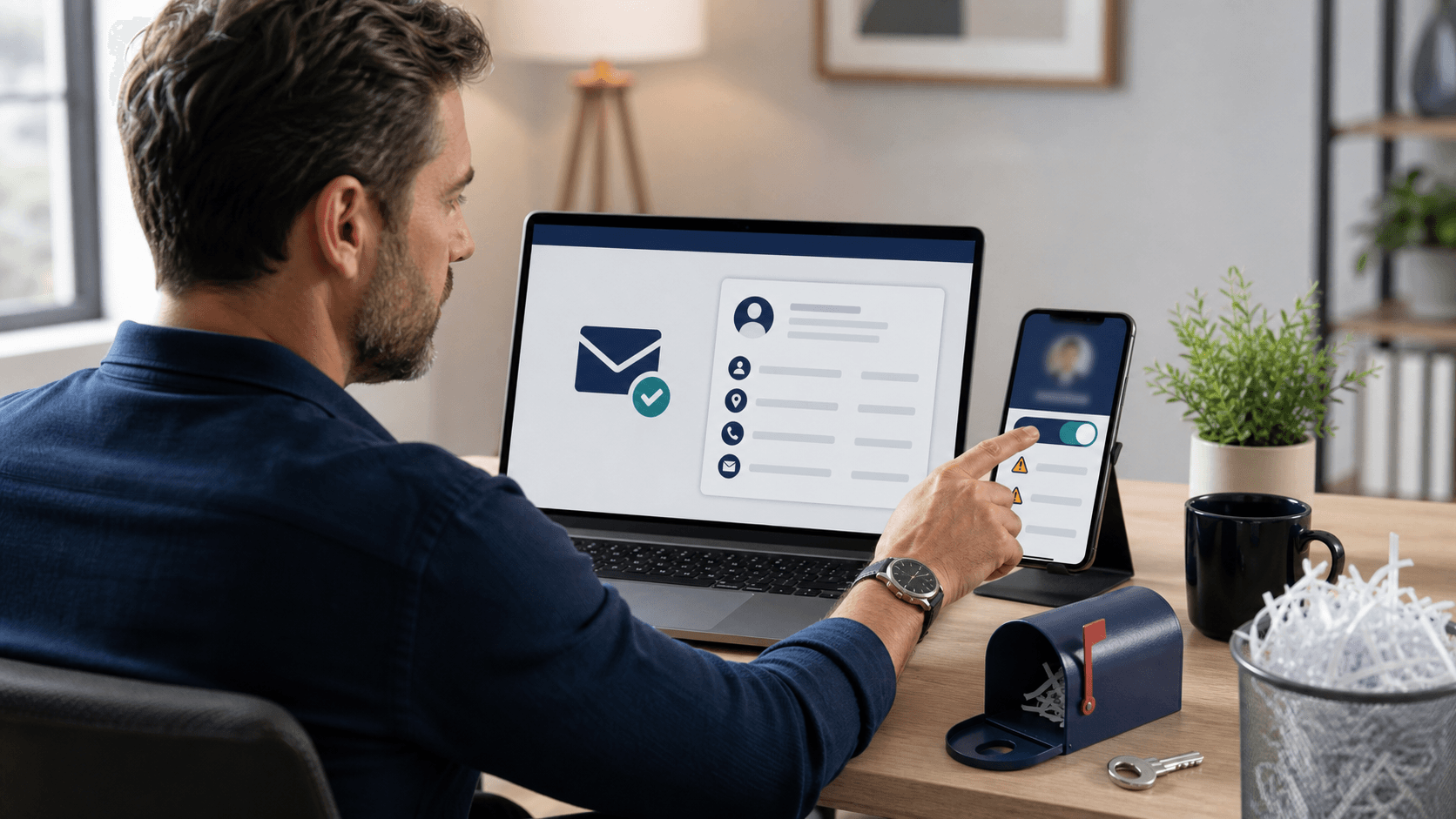
A reputable service like ReverseThatLookup is based on publicly available information. A typical email lookup report may include:
- Linked usernames or screen names
- Possible connections to public social profiles
- Possible approximate locations inferred from public records or online mentions
Clear Limits You Should Know:
- A good tool will not show private messages, passwords, bank details, credit reports, or other confidential financial data.
- Reports are built from data that is already public somewhere; they cannot reveal secret or "hidden" information.
- No service can guarantee complete, perfectly current, or 100% accurate information for every email address.
When you use a service like ReverseThatLookup, look for:
- Transparent company information and contact details
- Straightforward privacy and data practices, including how to opt out where applicable
- Clear explanations of what data can and cannot be provided, including legal limitations
Use lookup results as one input, not as the only deciding factor. They should not replace regulated background checks where the law requires them. And you should only search emails you have a fair, safety-focused reason to check, never for revenge, harassment, or other harmful behavior.
Ethical and Legal Use Disclaimer
ReverseThatLookup is designed for personal safety, identity verification, and general informational purposes only. It must not be used for:
- Stalking, harassment, doxxing, or intimidation
- Illegal discrimination or invasions of privacy
- Making decisions about employment, housing, credit, insurance, or similar opportunities governed by the FCRA or comparable laws
If you need a formal background check for jobs, housing, or credit decisions, use a certified consumer reporting agency that complies with all applicable regulations.
- Protect Your Inbox and Identity Going Forward: A Simple Routine
To build a safer email lookup habit, follow this quick routine each time you want to check an email:
- Scan the Email Itself for spelling issues, oddly urgent language, or strange details.
- Run Basic Free Searches on the email address and any associated name or business.
- Check Technical Details like the sender domain, reply-to address, and small spelling changes.
- Apply Your Safety Rules: only share limited information unless you have verified who you're dealing with.
- If You Still Feel Uneasy, consider using a trusted lookup tool such as ReverseThatLookup as an extra layer of context, while keeping in mind its limits.
You may also want to run an email lookup on your own primary email address using a reputable service. Seeing what is publicly linked to you can help you decide what to remove, update, or lock down on social networks and other public platforms.
For additional guidance on online safety, you can review resources from reputable organizations such as:
- The U.S. Federal Trade Commission (FTC) on phishing and scams (ftc.gov)
- National cybersecurity centers or consumer protection agencies in your country
These sources regularly publish up-to-date advice on avoiding scams and protecting your information.
FAQ: Common Questions About Safe Email Lookup
Is It Legal to Run an Email Lookup on Someone?
In many places, it is legal to search public information linked to an email address for general information and personal safety, as long as you respect privacy laws and terms of service. You must not use lookup tools for stalking, harassment, doxxing, or for making decisions about jobs, housing, credit, insurance, or similar regulated purposes. For questions about what is allowed where you live, consider checking local laws or speaking with a qualified professional.
Why Do Some Lookup Sites Say They Found "Many Records" Before I Pay?
Some services use vague or generic messages to push subscriptions, even when they have limited or low-quality data. Promises of "many records" or "major alerts" without showing clear details first are a sign you should proceed carefully and review the site's reputation.
Can an Email Lookup Tell Me If an Email Is 100% Safe?
No tool can guarantee that an email or sender is completely safe. Email lookup can reveal patterns, linked accounts, and potential risks, but you still need your own judgment, official confirmation through trusted channels, and strong security habits like MFA and good password hygiene.
What Information Can a Legitimate Email Lookup Generally Provide?
Legitimate tools typically work with public or lawfully licensed data. They may surface associated usernames, public social profiles, or approximate locations. They should not provide sensitive financial data, passwords, or private communications.
How Often Should I Review My Own Online Footprint?
It is wise to review what's publicly linked to your main email address at least a few times a year, and after major life changes (such as job changes or moves). This can help you clean up old accounts, adjust privacy settings, and reduce the amount of information an attacker could exploit.
Summary: Safest Next Step for Email Lookups
Email lookup can increase your safety when used carefully, but unsafe tools can expose your data and devices. Start with free, low-risk checks: search the email on the open web, inspect sender details, and follow strict rules about what you share. If concerns remain, a reputable service like ReverseThatLookup can add context based on public information, as long as you respect privacy, consent, and legal limits.
The safest next step is to create and follow a simple checklist for every unfamiliar email, rely on official channels for anything involving money or sensitive data, and use ethical lookup tools only as one part of a broader, responsible security routine. ReverseThatLookup should be used for personal safety, identity verification, and informational purposes, never for harassment, invasion of privacy, or any FCRA-regulated decisions.
Discover How Accurate Email Insights Can Transform Your Outreach
Ready to see who is really behind the inboxes on your list and make smarter decisions with every message you send? Use our powerful email lookup tool to verify identities, reduce bounce rates, and protect your reputation. At ReverseThatLookup, we give you clear, actionable data so you can focus on building real connections instead of guessing. If you have questions or need help getting started, just contact us and our team will walk you through your options.
Frequently Asked Questions
Are email lookup sites safe to use?
Some email lookup sites are safe, but others can collect your IP address, device details, and the emails you search. Unsafe sites may also push fake warnings, hide pricing, or try to trick you into sharing passwords or payment info.
What is an email lookup, and what information can it reveal?
An email lookup is when you enter an email address into a tool to see what public information is linked to it. Depending on the service and what is publicly available, it may show associated names, profiles, or other identifiers.
How can I tell if an email lookup tool is risky before I use it?
Check for a real company identity, such as a clear About page, ownership details, and a privacy policy that explains data collection and deletion. Avoid sites that use pop ups, countdown timers, unrealistic promises, or ask for sensitive details before showing any basic results.
Why do some free email lookup sites ask for my credit card or personal details?
Some sites use pressure tactics to get you to pay or to collect valuable personal data. A request for credit card details, full name, or date of birth before showing any meaningful results is a common warning sign.
What is the difference between a legitimate email lookup service and a shady one?
A legitimate service clearly states who runs it, what data it collects, and what you get before you pay. A shady service often hides ownership, uses fake alerts or dark patterns, and may try to get you to install software or enter login credentials.