Rediscovering Lost Connections in Your Digital Life
Sometimes an old email pops up from nowhere. Maybe you are cleaning your inbox, searching for tickets, or scrolling through old messages, and you spot a college friend, a past coworker, or an old client. You recognize the email address, but you are not sure if it is still them or where they are now. You wonder for a moment, then move on, because you have no idea how to find them again.
People change jobs, move to new cities, switch social apps, and drop old usernames all the time. A few seasons go by and suddenly that simple email address feels like a weak thread to your past. This is where email reverse lookup comes in. It gives us a way to search public information tied to an email address so we can reconnect in a way that feels both safe and respectful.
As spring turns into early summer, many of us think about reunions, graduations, and family get-togethers. Those events often remind us of people we have lost touch with. If you are feeling that nudge to reach out, learning how email reverse lookup works can help you do it with more care and more context.
How Email Reverse Lookup Actually Works
At its core, email reverse lookup is simple. You start with one piece of info, an email address, and search across many public sources to see who it might belong to. Instead of asking, "What is this person's email?", you ask, "Whose email is this, and where are they now?"
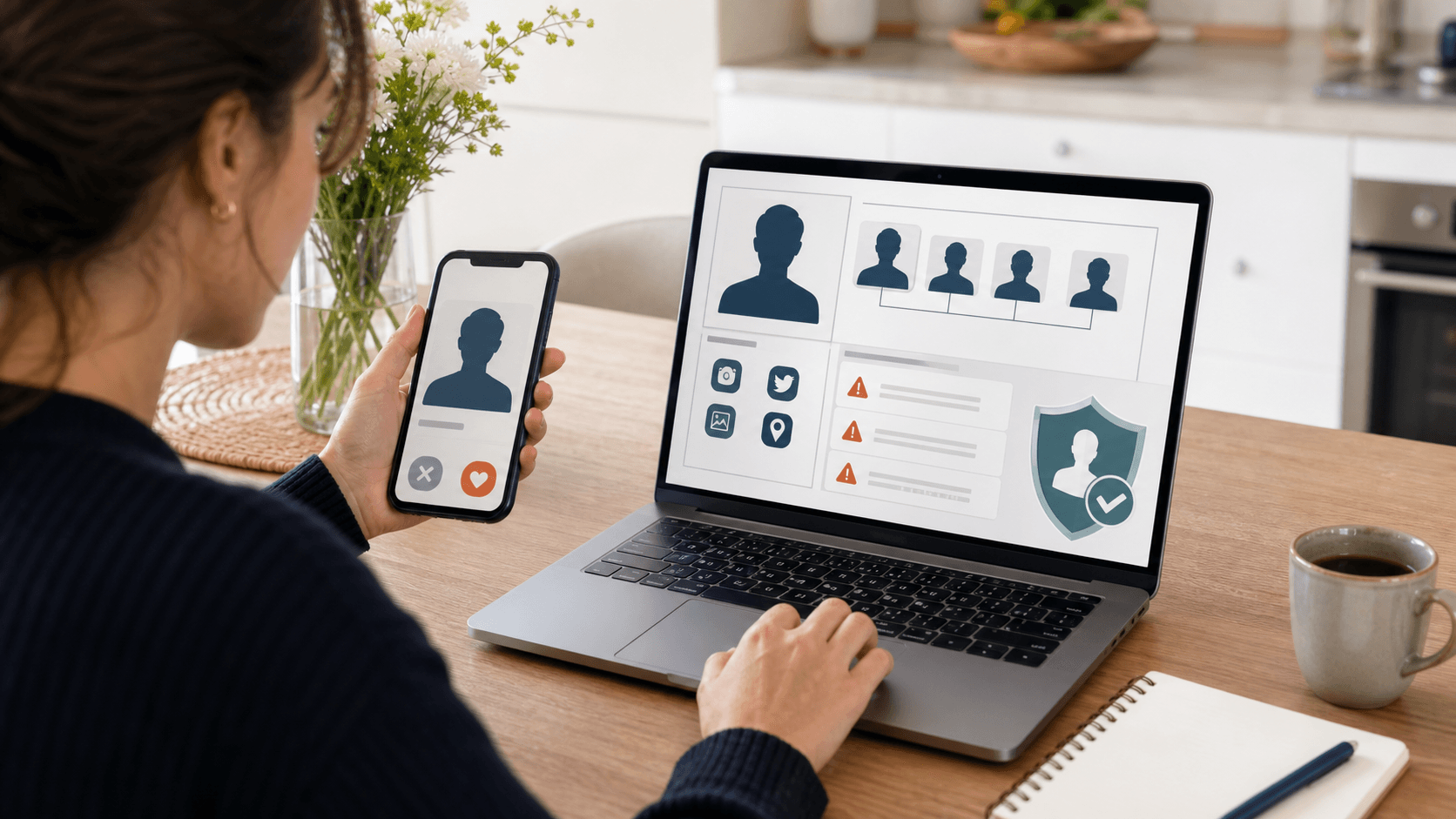
A professional people-search tool can pull from many types of public data, such as:
- Social media profiles that list or confirm that email
- Usernames or handles connected to that address
- Public records and directory listings where the email appears
- Other contact details, like possible phone numbers or locations tied to that email
What you can often learn includes:
- A name or name variations the person uses
- A possible city or general area where they are based
- Links to public social profiles or websites
- Related usernames, which might match accounts on other platforms
What you will not see is private info like passwords, private inbox content, or anything locked behind security. Ethical tools focus only on data that is already public in some form.
Results also depend heavily on the person's online footprint. Someone who uses the same email across many sites may show up in several places. An older, throwaway, or rarely used account might return little or nothing. That does not mean something is wrong. It just means there is not much public data to connect.
When Email Reverse Lookup Can Help You Reconnect
There are times when email reverse lookup shines as a way to reconnect. It can turn a stray email address into a fuller picture of someone you once knew.
Common situations include:
- Planning for school reunions when you only have outdated contact lists
- Checking in with former coworkers after job changes
- Re-engaging old clients or collaborators around a new project
- Finding a friend you met through a shared hobby or online group
Instead of sending a random message to an old email and hoping it lands, you can look for current details that help shape your outreach. Maybe the search shows they now live in a different city or work in a new field. You could mention that in your message to show that you took time to understand where they are now.
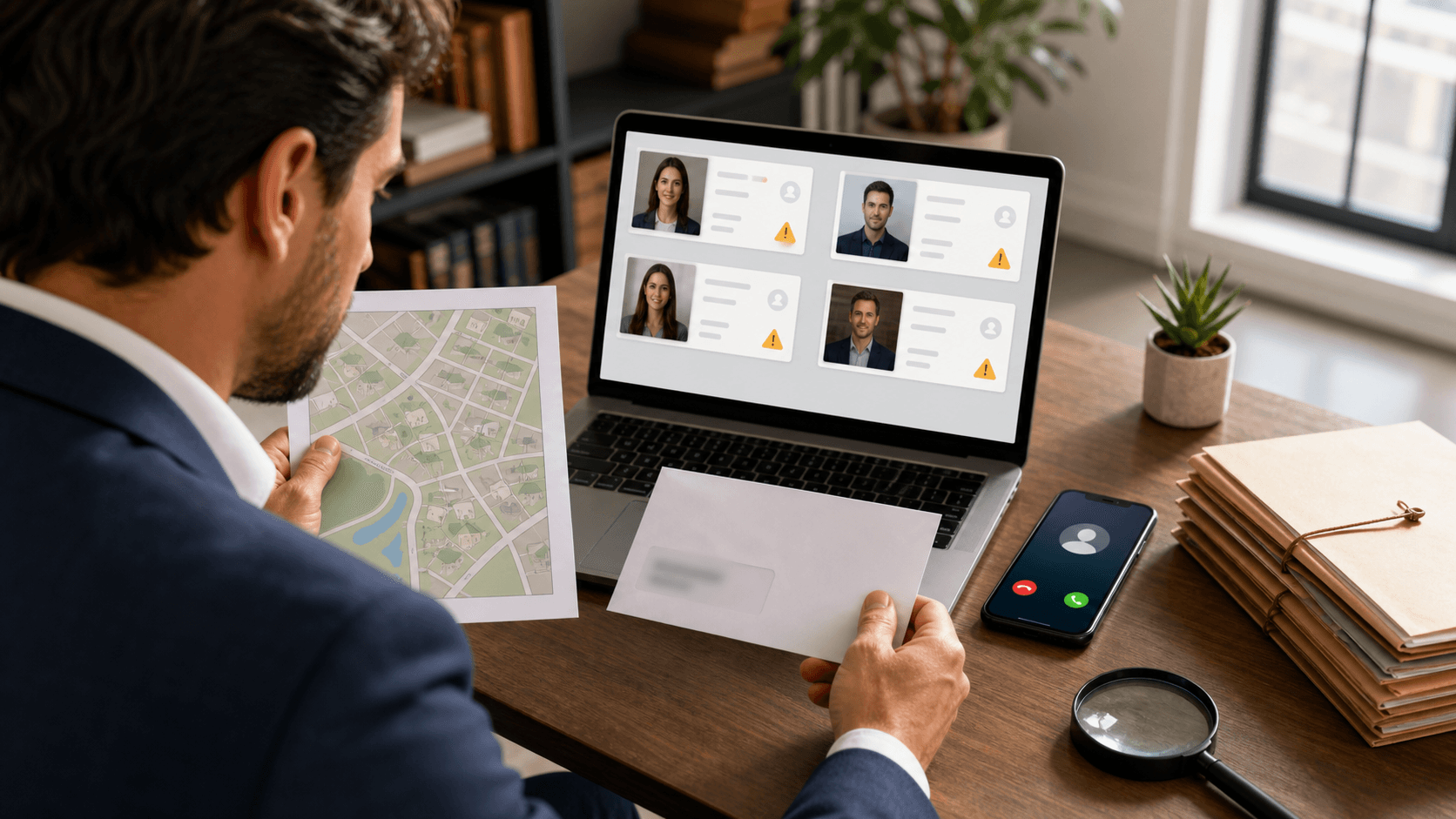
A tool like ReverseThatLookup can also help confirm that you have the right person. A matching profile photo, a familiar city, or a recognizable username can give you more confidence before you say hello again. This is especially helpful if:
- The email comes from an old school or company domain
- The address uses a nickname you forgot about
- The handle is generic, and you are not sure who it belongs to
With more context, your reconnection does not feel random. It feels thoughtful.
Respect, Privacy, and Ethics When Reaching Out
Just because it is possible to find someone does not always mean it is the right move to contact them. Respecting boundaries should guide every step.
Good signs that it might be appropriate to reconnect include:
- You shared a clear, positive history
- You have a real reason to reach out, not just curiosity
- There has been no past conflict, harassment, or request for distance
- Their public profiles look open and active, not locked down or hidden
If you decide to contact them, a respectful approach goes a long way:
- Start by saying how you know each other
- Be open about how you updated their contact info
- Keep your tone friendly, not demanding or pushy
- Give them room to say no or not respond at all
It is also important to handle any information with care. Do not copy or post personal details you find. Do not use the search to bother someone who has pulled away in the past. And always follow the rules and terms attached to any service you use, along with local privacy and data laws.
Tips to Make Your Reconnection Message Welcome
Once you are sure you have found the right person, the next step is your first message. A light, open note is usually better than a long, intense one.
You might:
- Mention a shared memory, class, project, or workplace
- Acknowledge that it has been a while
- Keep your greeting short and warm
It helps to be clear about why you are reaching out. Maybe you want to:
- Catch up around graduation or reunion season
- Plan a small get-together while you are in their area
- Talk about possible professional networking
- Simply check in to see how they are doing
Your first message does not need your full life story. A few friendly lines are enough. You can invite, not demand, a response by saying something like, "If you feel like catching up, I am on email or social," and then let them choose what feels right.
Patience matters too. Some people rarely check old accounts. Others may see your note and still decide not to respond. That silence is an answer, and it deserves as much respect as a yes.
Using ReverseThatLookup to Start Your Search Today
Email reverse lookup can save time and clear up guesswork when you want to reconnect with someone from your past. Instead of digging through old notebooks or scrolling endless feeds, you can start with one email address and see what public details are still linked to it.
With ReverseThatLookup, the basic flow is simple. You enter the email, review the publicly available results, and look for signs that you have the right person, like a familiar photo, location, or social profile. From there, you decide what channel fits best for your message, maybe, a fresh email, a social connection request, or a short note through another contact method.
The real power is not just in finding someone, but in how you use that information. When we pair technology with empathy, consent, and respect for privacy, reconnection can feel thoughtful instead of intrusive. As the weather warms up and life events bring old memories back, having a careful way to reach out can make it a little easier to say, "Hey, it has been a while, how are you doing?"
Identify Who's Behind Any Email With Confidence
If you are ready to see who is really contacting you, our email reverse lookup makes it simple to uncover the details you need. At ReverseThatLookup, we help you verify identities, spot red flags, and make smarter decisions about which messages to trust. Start your search in seconds, and if you have questions about a specific situation or result, just contact us so we can help.
Frequently Asked Questions
What is an email reverse lookup?
An email reverse lookup is a way to search public information connected to an email address to see who it may belong to. It can reveal things like possible names, locations, related usernames, and links to public profiles when available.
Can an email reverse lookup help me reconnect with an old friend or coworker?
Yes, it can help by turning an old email address into more current context, such as a recent city, workplace clues, or a public social profile. This can make it easier to confirm you have the right person before reaching out.
How do I do an email reverse lookup safely and respectfully?
Use the results only to confirm identity and find appropriate, public ways to contact someone, then send a polite message with an easy way to opt out. If the person seems to value privacy or the contact feels unwanted, do not continue.
What information will an email reverse lookup not show me?
It will not show private data like passwords, private emails, or anything hidden behind security settings. Ethical tools focus on information that is already public in some form.
What is the difference between an email reverse lookup and a regular people search?
Email reverse lookup starts with an email address and tries to identify the person and related public details. A regular people search usually starts with a name, city, or phone number and then tries to find contact info that matches.